AI Video Consulting · One-on-One Session
Learn to make your own AI videos for your business.
Bring me a Reel, promo, or product demo you’d like to make. In a private 60-minute virtual session, I’ll show you which AI tools to use and walk you through a key step using your project as the example. After the call, I’ll send you a personalized roadmap so you can make the video yourself and reuse the process for future videos.
AI Video Strategy Session
Short questionnaire, 60-minute virtual walkthrough, and personalized written roadmap
Focused on one video project or one repeatable video format
Purchase via Stripe, receive the questionnaire by email, then schedule your call. Questions first? Send an inquiry.
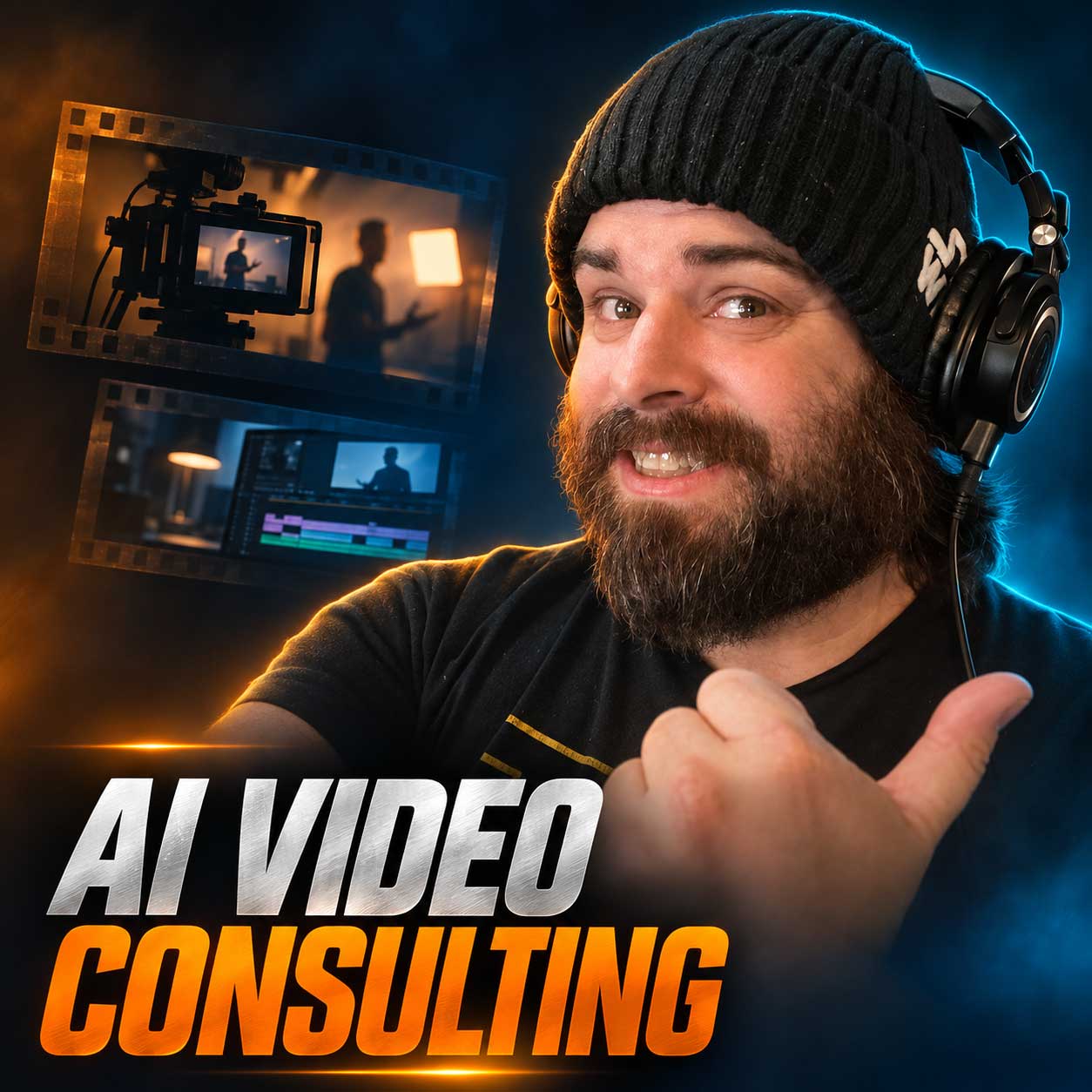
How The Session Works
What you’ll get
We’ll use your own video idea so you can see how the process works for your business.
A quick questionnaire
After you purchase, I’ll email you a few questions about your business, what you want to make, and what you already have to work with. Once you send it back, we’ll schedule your call.
A live, 60-minute walkthrough
I’ll share my screen and show you how I’d tackle a key step in your project. We might turn your idea into shot prompts, generate a clip, or blend AI visuals with footage you already have. You’ll see which tools I’d choose for your budget and how I’d use them.
Your personalized AI video roadmap
You’ll get a written plan you can use to make and publish AI videos yourself. It covers what to post, which tools to use, how to generate visuals and audio, how to edit, and how to get the videos out consistently.
Sample AI Video Roadmap
Build a repeatable AI video workflow for your business
Example: A local landscaping company wants more backyard renovation inquiries. The plan is to publish one short video a week using real project footage and AI-generated concept visuals.
What to post
Rotate three formats: backyard concept videos that show customers what’s possible, before-and-after Reels that showcase real jobs, and short answers to common questions about pricing, materials, or timelines. End each video with one clear next step, such as requesting an estimate.
From idea to published video
-
1
Plan and script · ChatGPT
Turn common customer questions and upcoming jobs into a monthly list of video ideas. Draft a hook, a short script, and a shot list for each video.
-
2
Generate visuals and audio · Google Flow and ElevenLabs
Start with a rough backyard concept, generate a reference image, and turn it into a short motion clip. Use AI voiceover when it suits the format. Label generated concepts as visualizations and use real footage to showcase completed work.
-
3
Edit and package · CapCut or Premiere Pro
Blend generated clips with phone footage, trim the pacing, add captions and branding, and save a reusable vertical editing template. Draft a caption and call to action for each platform.
-
4
Schedule, publish, and improve · Metricool
Adapt the hook and caption for Instagram, Facebook, or YouTube Shorts. Schedule the posts, then review watch time, messages, and quote inquiries to decide what to make next month.
Your first month
Week 1
Choose your formats and tools. Use your live session to walk through the step you need the most help with.
Weeks 2–3
Make and publish your first two videos. Save the prompts and editing template so you can reuse them.
Week 4
Batch the next videos, schedule them, and use the first results to plan next month’s content.
These are sample tools. Your roadmap will recommend what to use at each stage based on your business, budget, and editing experience.
Session Focus
What we can work on
Most sessions start with social media video, where consistency and speed matter most. You can also use the session to plan a promo, product demo, explainer, or training video.
Build a repeatable workflow for Reels, TikToks, or YouTube Shorts.
Set up a practical weekly process for scripting, generating supporting visuals or audio, editing, and captioning short-form posts without getting buried in subscriptions.
Turn existing footage, interviews, or webinars into short clips.
Figure out how to pull usable moments from recordings you already have, clean up audio, add captions or B-roll, and publish consistently across channels.
Plan a social ad or promo that blends real footage with AI-generated shots.
Decide which shots should be filmed on camera for authenticity and where AI visuals, voiceover, or music can fill gaps that would otherwise be too expensive to shoot.
Choose an approach for a product demo, explainer, or training video.
Structure the message so viewers actually follow it, then pick a realistic tool stack for visuals, screen recordings, voiceover, and assembly.
Who You’ll Work With
Production experience first. AI tools second.
I’m Rob Baldwin, a video producer, content creator, and instructional designer with over 20 years of creative production experience. My work covers commercial and corporate video, eLearning and training media, and ongoing social media content.
I also plan, film, edit, and publish my own creator channel, Rob’s Home Bar, while using AI tools in real client and personal projects. That hands-on perspective keeps our session grounded in what holds up in an actual edit, not just what looks impressive in a tool demo.
Video Production
20+ years filming, editing, and producing marketing and business video.
Instructional Design
Background in structuring explainers, demos, and training content clearly.
Active Creator
Regularly publishing long-form and short-form content on Rob’s Home Bar.
From The Portfolio · Short-Form Examples
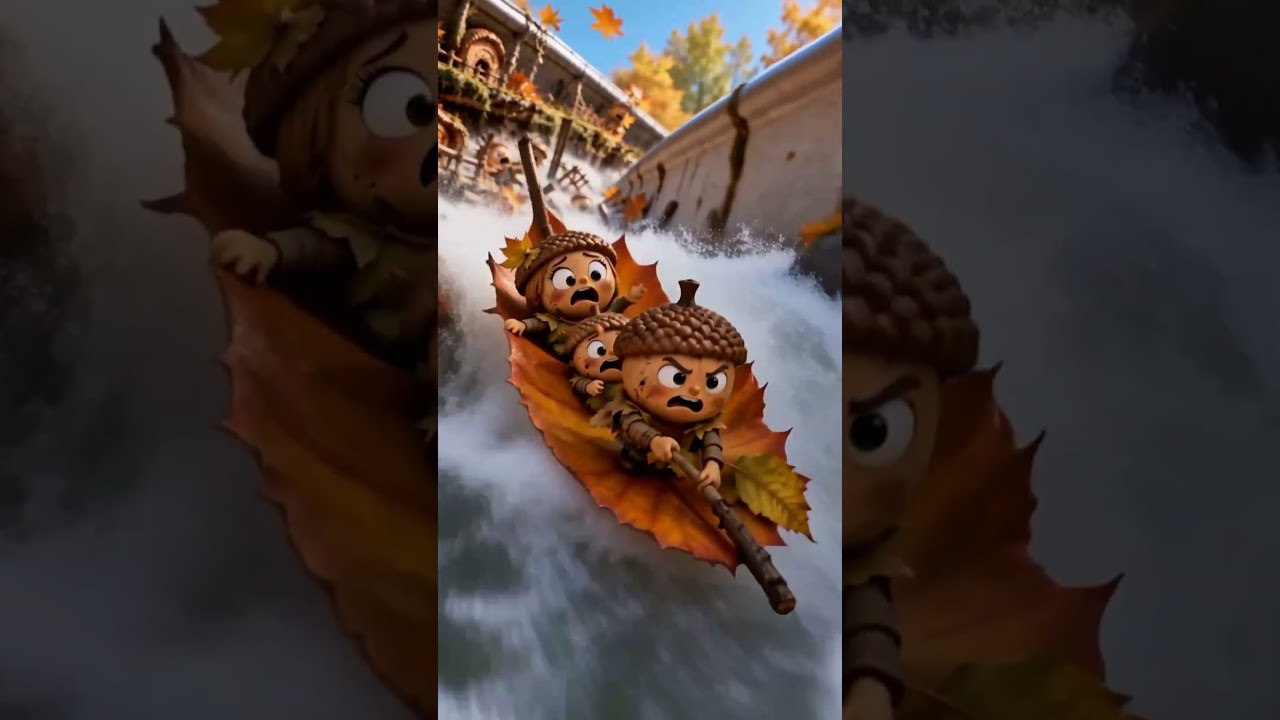
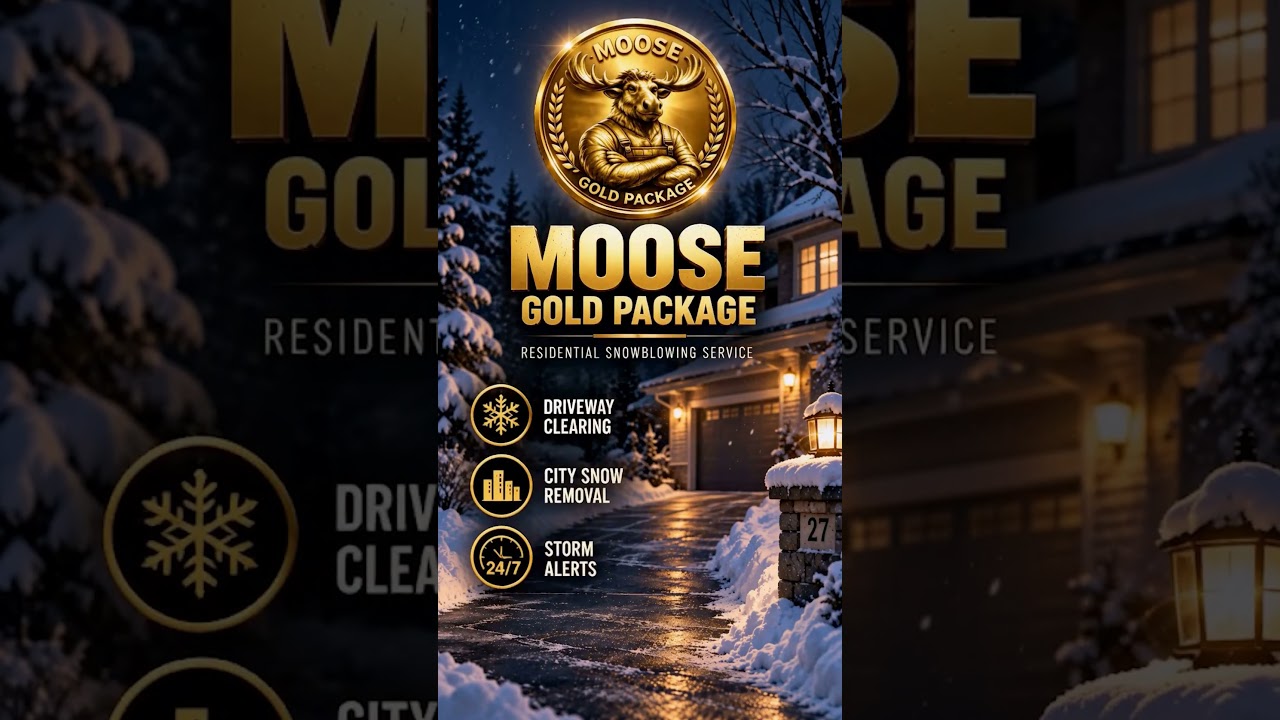
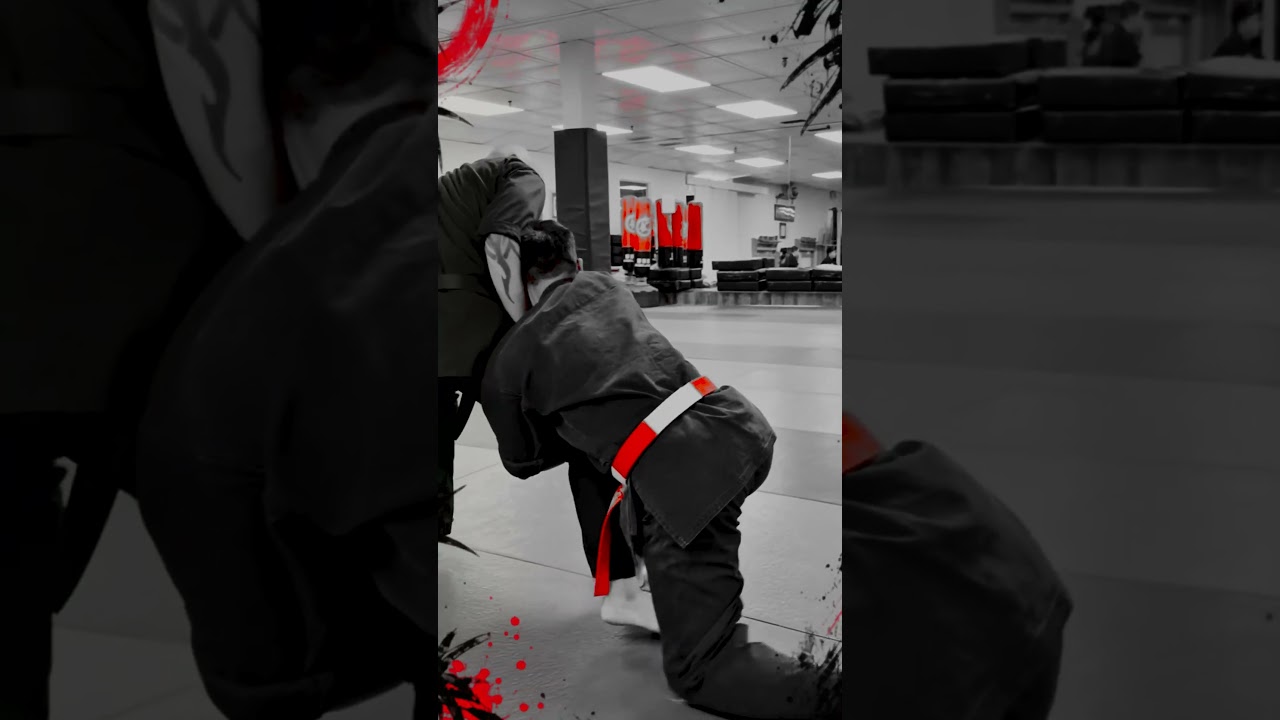
Real business Reels using AI and hybrid footage
These short-form videos show the decisions we can work through on your call: what to film, where an AI-generated shot or concept can help, and how to make everything feel like part of the same video.
AI Video Strategy Session
Ready to make your first AI-assisted business video?
Bring one idea. I’ll show you how to approach it and send you a roadmap you can follow on your own.
C$299 one time
1. Purchase via Stripe · 2. Receive the questionnaire by email · 3. Schedule your call
Have a question before booking? Send an inquiry.